2A Skills · Build Online ProjectsA website, a store or a campaign keeps working when you are offline.Plan it, build it, fund it and make it last.
A website is the one place online you control. Platforms change rules; your site stays yours.
Creating a Second Amendment website
A Step-by-Step Guide to Making Your Own 2A Website
- Setting Up a 2A WordPress Website From Start To “Good to Go” – with video
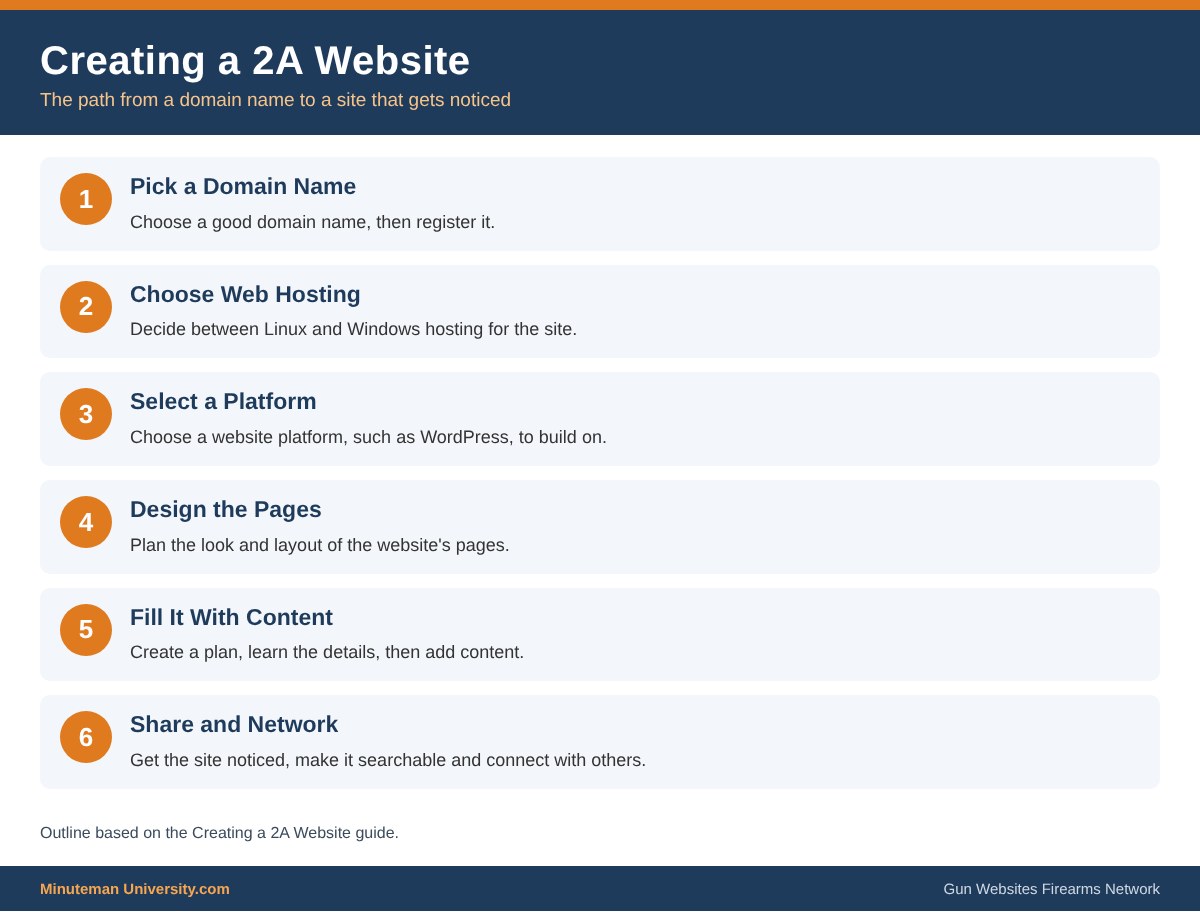
- Domain Name
– Choosing a Good Domain Name
– How to Register a Domain Name - Web Hosting
– Linux or a Windows Web Hosting? - Choose a Website Platform
- Design your Web Page
– How to Design a Website - Fill the Website with Your Content
- Create a Plan
- Learn the Details
- Share & Network
Advanced Topics
- Branding
- The High Price of “Free”.
- Getting Your Site Noticed
- Make your Website Searchable
– Your Search Engine Ranking on Google - News Feeds (RSS Site Feed)
- Create a Blog
- Website Codes – HTML, CSS, Flash, etc
- What is a Database? SQL
- Building a Content Management System (CMS)
Making Money
- Setting up an Online Store
- Affiliate Systems
- Google AdSense
- Website Sponsors
- Collecting Credit Card Information
Key Points
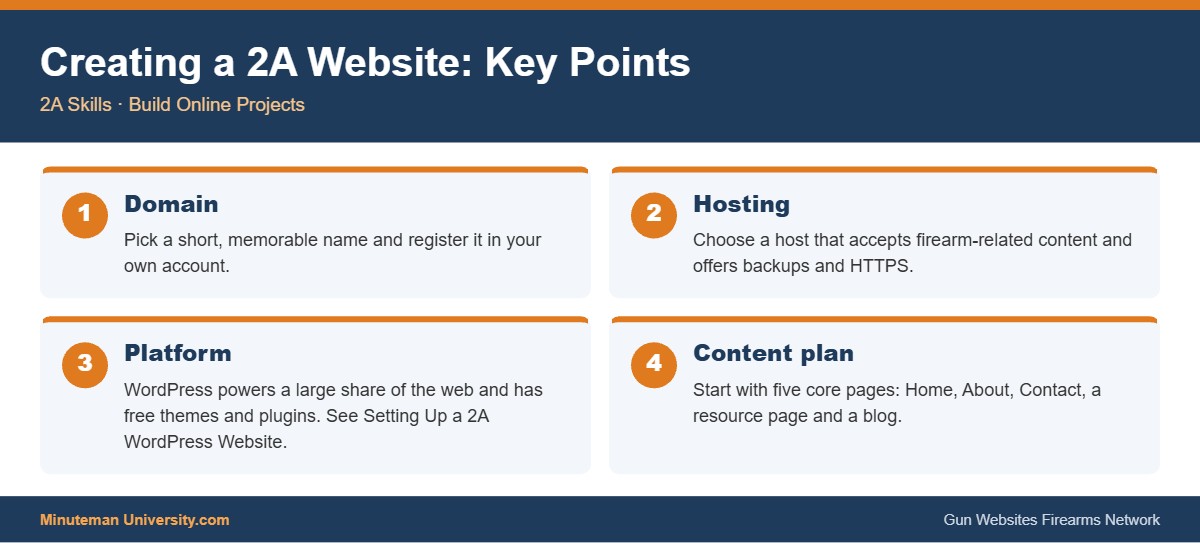
1DomainPick a short, memorable name and register it in your own account.
2HostingChoose a host that accepts firearm-related content and offers backups and HTTPS.
3PlatformWordPress powers a large share of the web and has free themes and plugins. See Setting Up a 2A WordPress Website.
4Content planStart with five core pages: Home, About, Contact, a resource page and a blog.